
Four steps to the first receipt
- Company and business premises. Name, address and tax number, then the business premises. If the premises are already registered with FURS, you copy the existing identifier across and do not file a new registration — a new one would produce a different identifier and a new receipt sequence.
- Tax certificate from eDavki. You collect the certificate in eDavki under your own tax number. FURS issues it to the taxpayer's tax number, so this is the only step nobody can take on your behalf.
- Items, prices and VAT rates. You enter items in the wizard, or send us your price list and we go through it together. The price and the VAT rate sit on the button, and search accepts a barcode too.
- Devices and cashiers. Tills, cashiers and their PINs. Each person gets their own sign-in and their own audit trail, so it is visible later who issued a receipt and who voided it.
Who does what
- Certificate from eDavki — you
- Registering the business premises with FURS — us, with you
- Items, prices and VAT rates — us, from your price list
- Cashiers and their PINs — us, with you
- The first test receipt — together
The wizard in the admin tells you what is still missing and will not let you past an empty field. You can issue the first receipt the same day.
What to prepare before we register the premises with FURS
For fixed business premises FURS requires three details about the building: the cadastral municipality code, the building number and the building section number. All three are mandatory — without one of them the premises registration does not go through.
If the premises were already registered with FURS by your previous till, you will find them in eDavki under Davčno potrjevanje računov → Poslovni prostori. Then you simply copy the details across and no new premises are registered.
Movable business premises — a market stall, a kiosk or mobile selling — are registered as movable and carry no cadastral details. Which type applies to your venue is yours to tell us; we do not guess it, because the registration cannot be corrected retroactively.
Two things that print on every receipt
The first is your VAT status: registered, or a small taxpayer under Article 94 of the Slovenian ZDDV-1 act. A business that is not registered charges no VAT and the receipt carries a clause instead. The wrong setting shows on every receipt and cannot be fixed retroactively, so confirm it yourself before the first receipt.
The second is the pair of identifiers for the premises and the device. Together with the sequential number they make up the receipt number, so a new device means a new sequence. We set both once and get them right.
The bound receipt book: what you need alongside the till
The receipt's protective mark is signed by the server using your certificate, so the till cannot issue a receipt with no connection. The sale itself is not lost: it is stored on the device and fiscalized by itself once the connection returns — carrying the time of the sale, not the time the connection came back.
During an outage the guest gets a slip from the bound receipt book. The till prompts you for it, and you enter the slip number against the sale waiting in the queue. Cash works during an outage; card and deferred payment do not.
What the till runs on
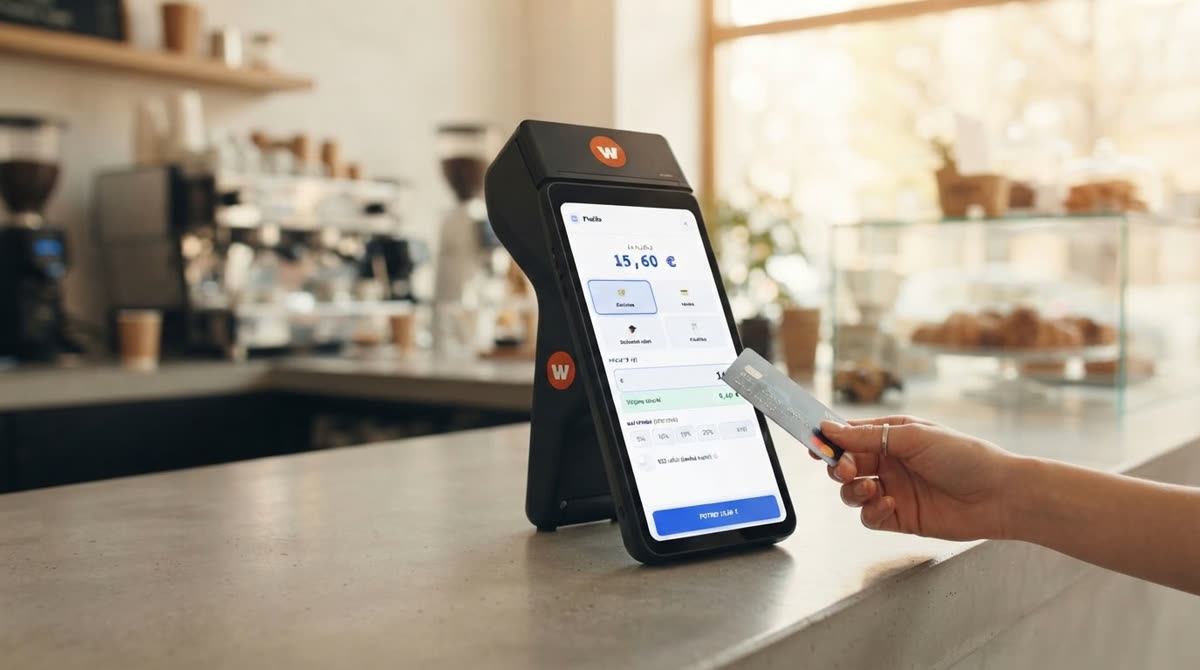
On an Android payment terminal, on a tablet, or in a browser. The screen is the same, so nobody learns it twice — and you do not have to buy hardware before you know how you want to work.
We'll tell you up front whether we support your exact model: just send us the make and model. On iPhone and iPad the till runs as a native app, and there you take the card on a payment terminal, because App2App on the same device is Android technology.
What you switch on later
The kitchen display, bill splitting with tips, X during the shift and Z at the end, monthly exports for your accountant and a second location are all there from day one. They need no setting up at installation — you switch them on when their turn comes.
Before you decide
Tell us how many tills and how many people you will have. If you are switching from another POS, send us its last invoice and we will put together a better offer.
Opening in a month or two? Send us the opening date and we will get in touch a week before, not sooner.